


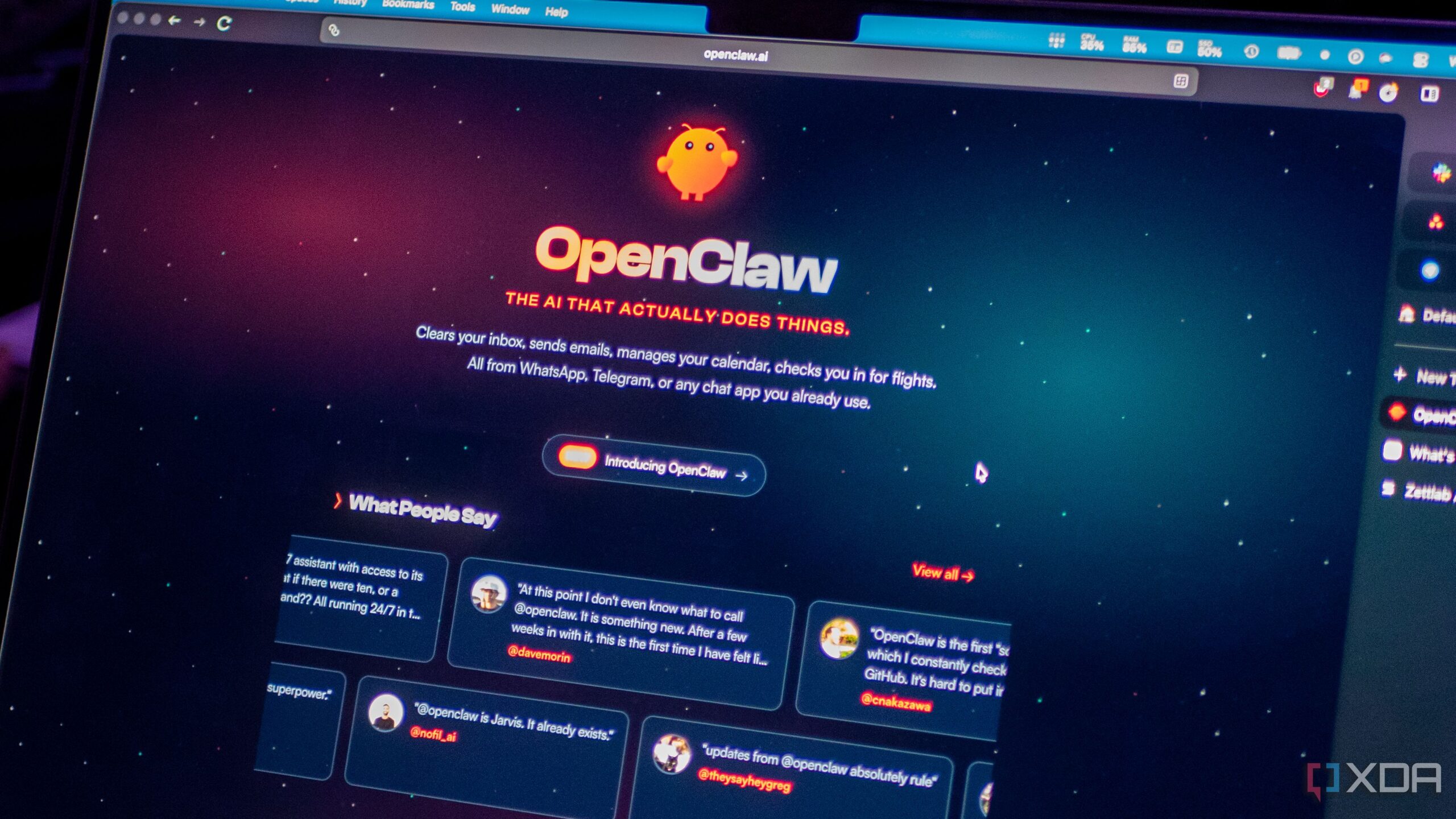
Teknozip – Streamlining access for AI assistants like OpenClaw to Google apps has just become significantly easier. For those keen on leveraging AI to manage daily tasks within Gmail and Google Docs, Google has quietly released a command-line interface (CLI) designed to enhance connectivity with its services. However, users should approach this tool with caution, as it’s not officially supported.
As TechRadar first noted, the Google Workspace CLI, nicknamed ‘gws’, allows users to execute a wide range of tasks through a terminal. The repository boasts over 100 Agent Skills, each tailored to a supported API. These skills include high-level helpers for common workflows and 50 curated recipes for Gmail, Drive, Docs, Calendar, and Sheets. A comprehensive Skills Index provides a complete list of capabilities.
The CLI operates by executing commands with specific arguments. For example, managing Gmail can be done using ‘gws-gmail’ followed by subcommands like ‘gws gmail +send –to –subject –body ‘ to send emails. This approach simplifies the process of integrating AI agents with Google’s services.
Also Read
Despite residing on the official Google Workspace GitHub page, the company explicitly states that the CLI is not an officially supported product. While it offers a Google-curated tool for performing agentic actions, users should be aware that they may not receive support or be able to hold Google liable for any issues that arise. Therefore, careful consideration is advised before integrating this CLI with AI models like OpenClaw.