


Teknozip – Finally, a much-needed update is coming to Windows’ restart and shut-down options. Microsoft is addressing a long-standing frustration: the forced installation of updates when users simply want to restart or power off their machines. The update is currently being rolled out to Windows Insiders, but it promises a more predictable and user-friendly experience for everyone soon.
For years, Windows users have faced the annoyance of being unable to bypass updates when initiating a restart or shutdown. The system would often insist on installing updates first, delaying the desired action. This has been a major pain point, especially when time is of the essence.
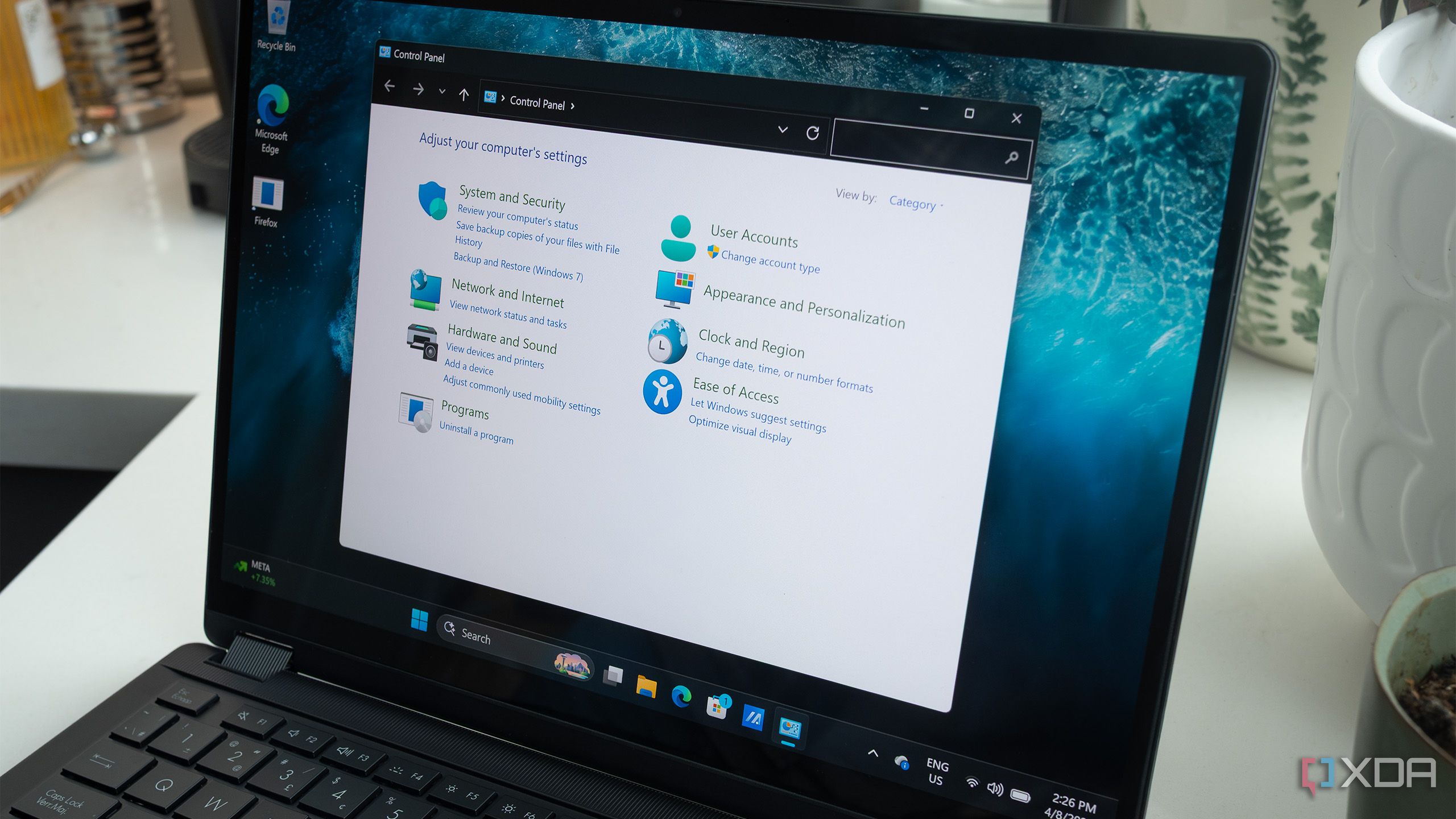
Microsoft has acknowledged this issue and is implementing a solution. The core change is simple: when you click the restart button, Windows will actually restart, unless you specify otherwise.
Also Read
According to the Windows Blogs, this update goes beyond just adding new buttons. Microsoft is aiming to make the power menu more intuitive and reliable. The blog states:
After a restart, Windows will attempt to restore previously opened applications faster, allowing users to return more easily to what they were working on.
This means that the update is about making the power menu more predictable, so when you need a quick restart or want to power off before heading out, Windows does exactly what you expect.
In addition to the core restart/shutdown functionality, this new build introduces improvements to Windows Update. Users will now have greater control over when updates are installed. The update will let you indefinitely delay an update indefinitely in 35-day bursts. If you just want more control over your updates, Windows will let you pick the specific day it’ll install the patch. And Windows Update will no longer force you to download new updates during OOBE so you can land on the desktop faster.
These changes represent a significant step towards giving users more control over their Windows experience. By allowing users to prioritise restarts and shutdowns, and by providing greater flexibility with updates, Microsoft is addressing key pain points and improving the overall usability of the operating system.