


Teknozip – Forget dull system readouts; a Linux enthusiast has crafted a mesmerising tool that transforms your distribution’s logo into a rotating 3D spectacle right in your terminal. This innovative project, built upon the foundations of fastfetch, takes the familiar ASCII art and elevates it to a new dimension.
User areofyl showcased their creation on the Linux subreddit, demonstrating how the tool leverages fastfetch to grab your distro’s logo, applies Blinn-Phong shading, and sets it spinning. While it offers no practical advantage in terms of system information, it undeniably enhances the visual appeal of your system display. After all, let’s be honest: half the reason we use Fastfetch is for the sheer coolness factor.
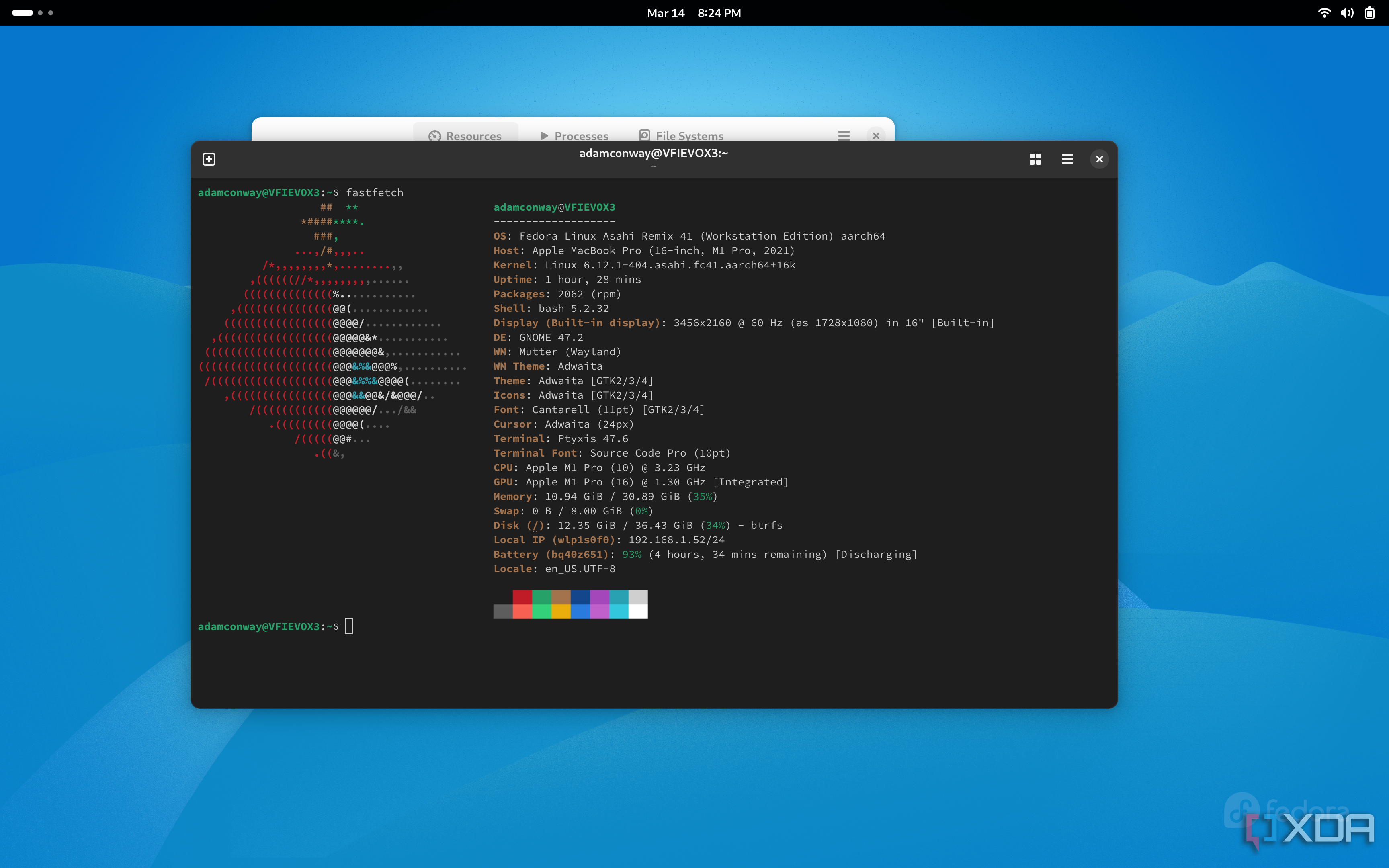
The magic lies in the tool’s ability to interpret character density as a height map, with characters like "M" representing the heaviest points and dots the lightest. From this, surface normals are derived from the gradient, enabling the Blinn-Phong shading and z-buffering to create the 3D effect.
Also Read
The developer claims universal compatibility, with the tool automatically detecting your distribution and fetching its corresponding logo from Fastfetch. Should the spinning logo lose its allure, a simple keypress or CTRL-C will bring it to a halt.
For those eager to add this dazzling flourish to their Linux setup, the project’s GitHub page offers comprehensive instructions and further details.
Feature         | Description
----------------|-------------------------------------------------------
Logo Rendering  | Converts ASCII logo to rotating 3D object
Shading         | Uses Blinn-Phong shading for visual depth
Dependency      | Requires libm and fastfetch
Customisation   | Works with any distro logo from Fastfetch
Control         | Stop with keypress or CTRL-C